
Healthcare services, organised around the patient.
Explore BN Hospital's patient-facing services in clear categories — from emergency care and diagnostics to pharmacy, health checkups, home sample collection and other verified services.
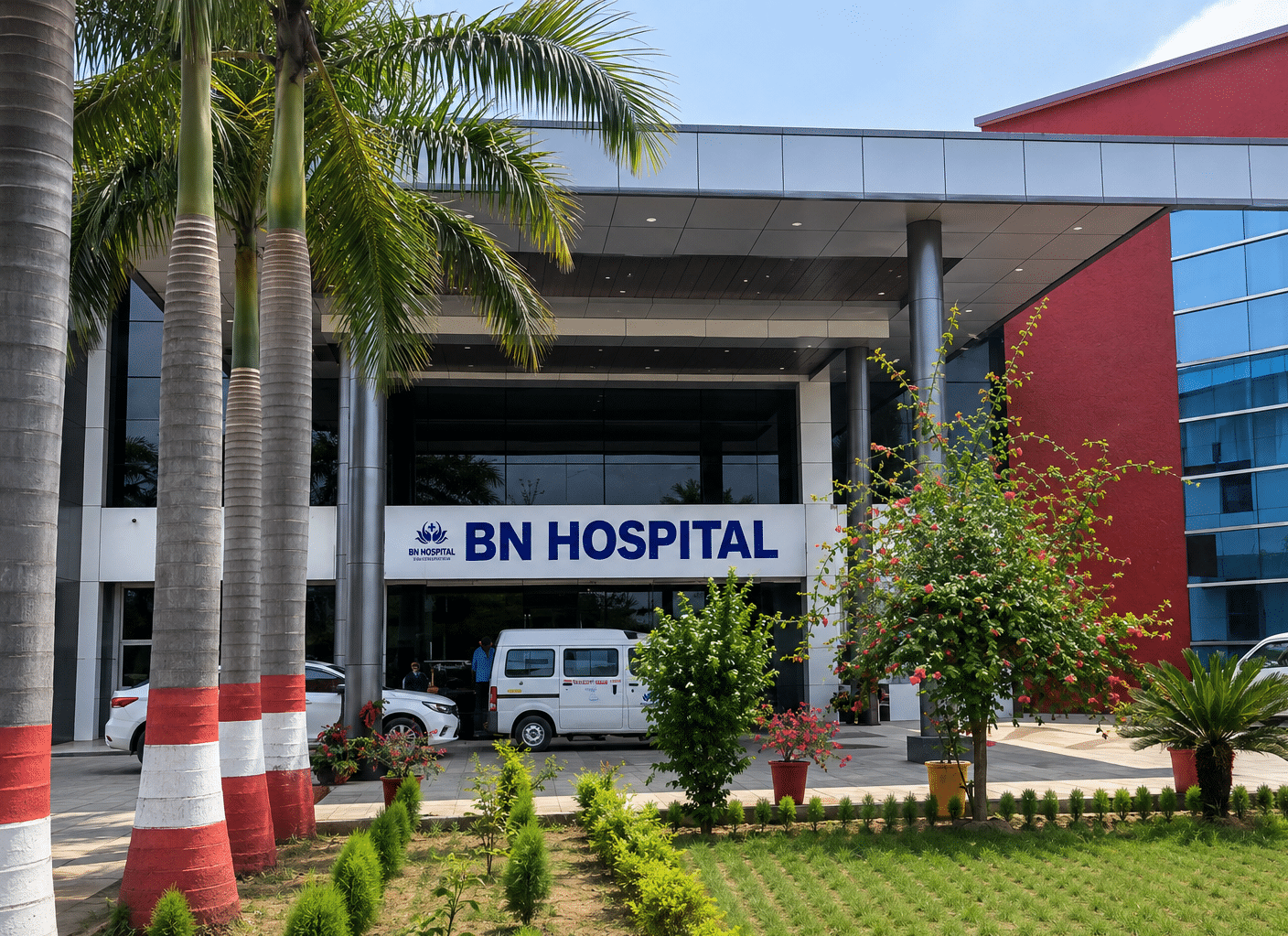
Explore hospital services
The roadmap organises patient-facing services into clear categories so patients can quickly understand what is available and choose the next step.
Emergency
Emergency care information and direct access for urgent situations, including a clear emergency contact and location guidance.
Emergency InformationAmbulance
Ambulance request access with pickup location, patient details, emergency type and request confirmation flow.
Request AmbulanceDiagnostics
Patient-friendly overview of diagnostic capabilities and access to related laboratory and imaging services.
Explore DiagnosticsLaboratory
Lab test information and booking support, with individual test pages planned for patient-friendly details.
View Laboratory ServicesRadiology
Imaging services overview covering approved radiology information and direct pathways to relevant test pages.
Explore RadiologyPharmacy
Pharmacy information, prescription upload and medicine enquiry support, with home delivery shown only where approved.
Visit Pharmacy PageHealth Checkups
Preventive health checkup information and approved packages for general, age-specific or other verified categories.
View Health CheckupsHome Sample Collection
At-home diagnostic sample pickup flow: choose test, select address, choose slot, confirm booking and track the report.
Book Home CollectionOnline Consultation
Remote consultation option where offered, with availability and consultation mode clearly shown to patients.
View Online ConsultationOther Verified Services
A flexible area for any additional patient-facing service confirmed and approved by BN Hospital management.
Enquire About a ServiceFind the service you need
Common pathways are kept visible so patients do not have to search through multiple pages to reach the right service.
A simple at-home diagnostic journey
The roadmap defines a clear flow for home sample collection so the patient understands what happens after booking.
Choose Test
Select the approved diagnostic test or service.
Select Address
Provide the location for home sample collection.
Pick Time Slot
Choose an available collection slot.
Confirm Booking
Receive the booking confirmation and next-step details.
Technician Assigned
The assigned technician manages the collection visit.
Sample Collected
Sample collection is completed at the selected address.
Report Processed
The approved report follows the hospital's verification process.
Report in Portal
After release, the patient can access the report securely.
Clear information before the patient takes action.
Every service page should explain what the service is, how it works, what the patient needs to do and where appropriate how to book it. Detailed diagnostic test pages will also carry purpose, preparation, sample type, report time, home collection availability and booking access.
Management-approved information
Service names, availability, descriptions, pricing and any additional service claims should be published only after hospital management confirmation.
Find the right service for your care journey.
Move from service discovery to doctor search, appointment booking, diagnostics or emergency support without unnecessary steps.